

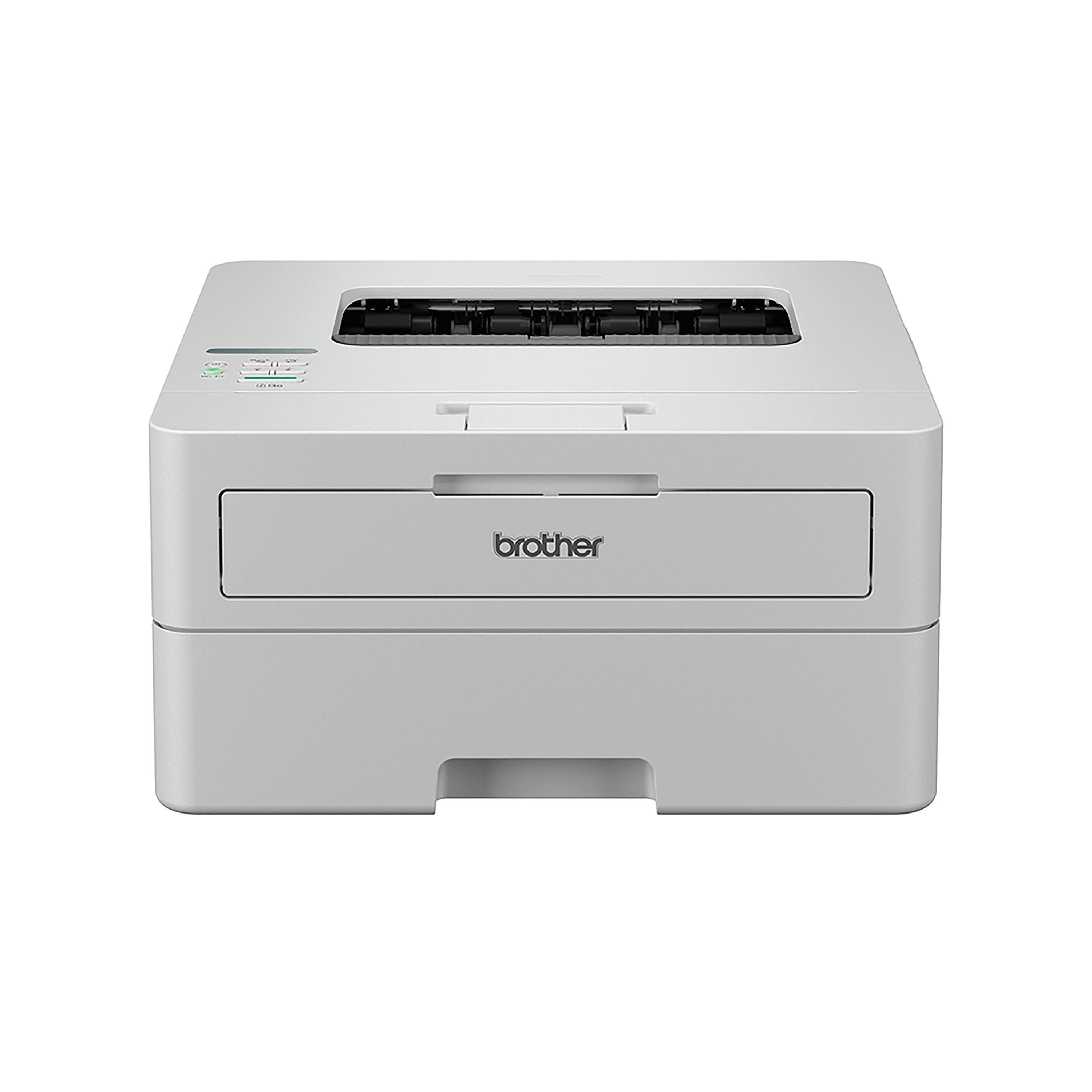
BROTHER HL-L2865DW MON LASR PRINTER
$ 91.24
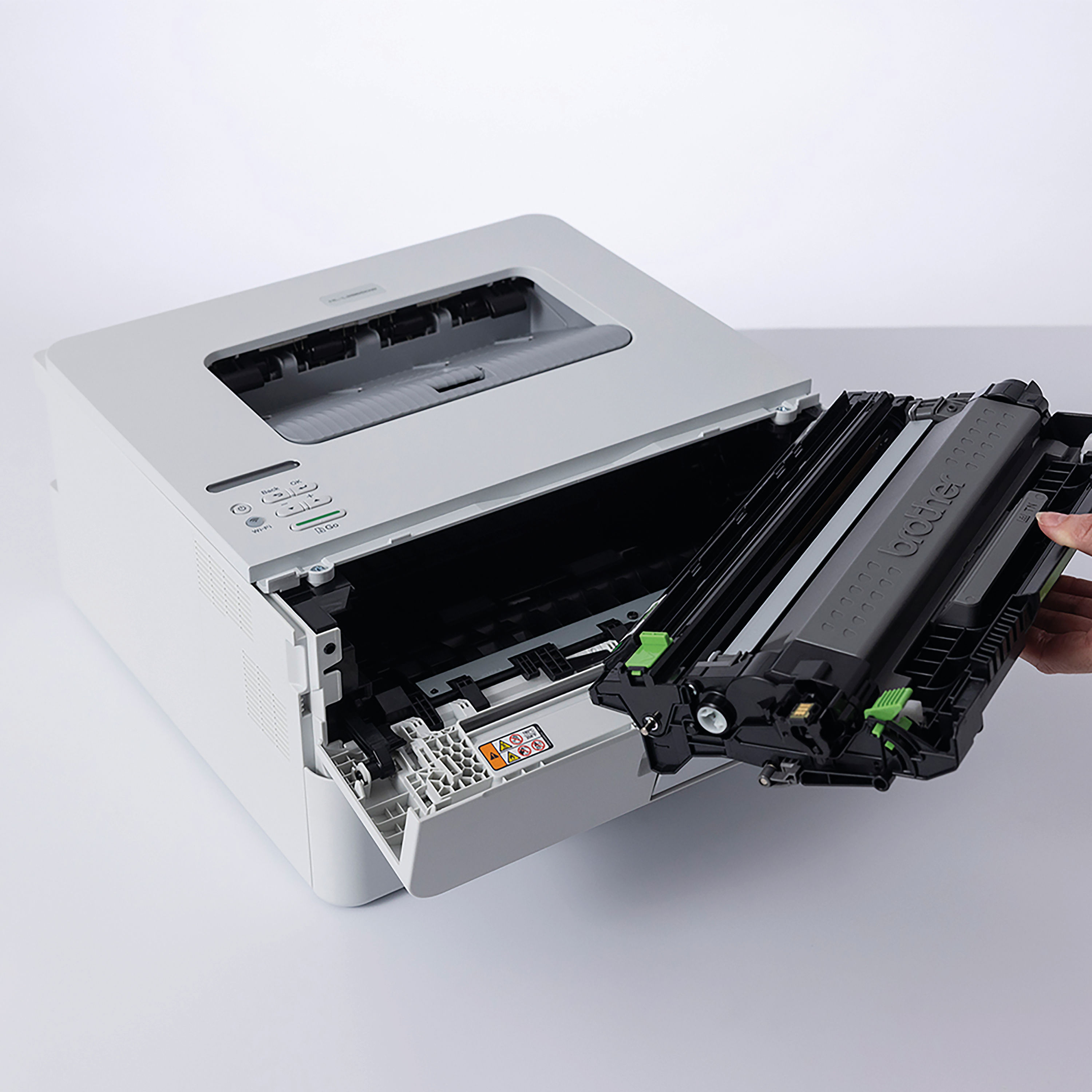
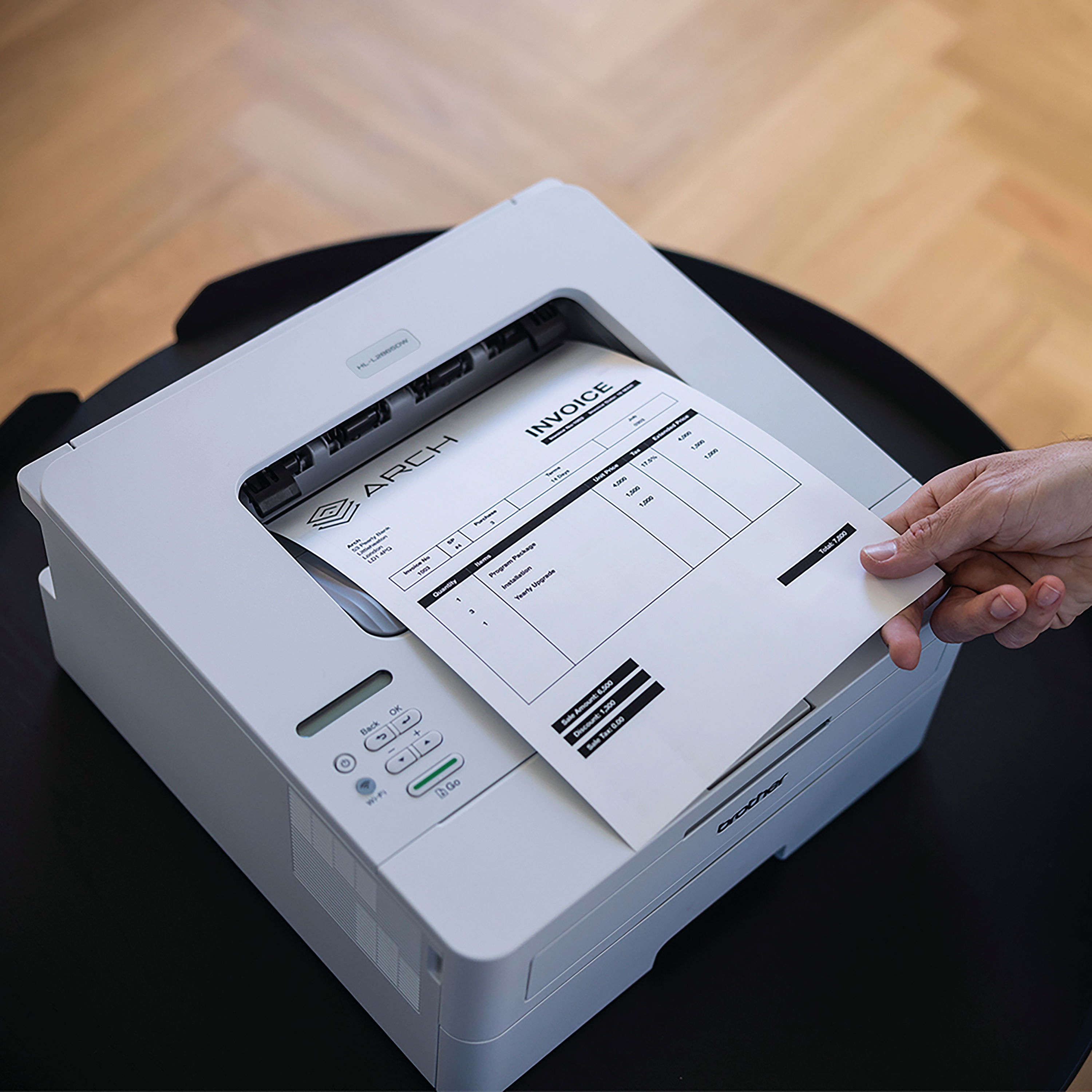
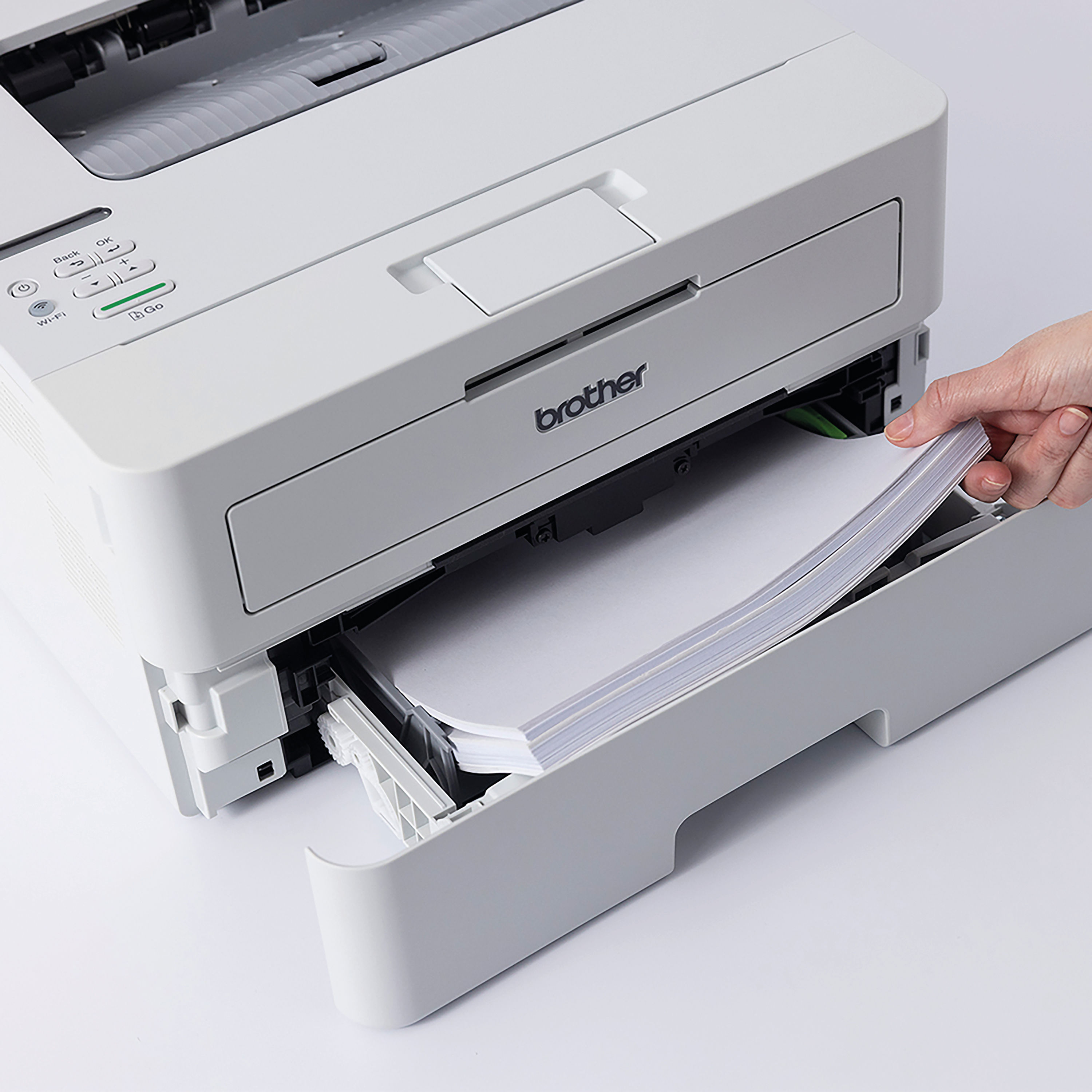
Description Brother DCP-L2865DW Mono Laser Printer. The Brother DCP-L2865DW 3-in-1 Mono Printer is a high-performance multifunction device ideal for busy home offices and small to medium-sized businesses. Combining printing, scanning and copying capabilities in a single unit, this model delivers fast, reliable monochrome output with professional clarity. Designed to support everyday document workflows, it offers advanced connectivity options, automatic duplex printing and enhanced efficiency for daily use. With its robust design and versatile features, the Brother DCP-L2865DW helps streamline office tasks, improve productivity, and reduce running costs. Whether producing reports, scanning documents for digital archiving or duplicating paperwork, this multifunction printer delivers consistent performance backed by Brother’s well-established reputation for quality. Professional Workflow Process In a professional environment, the Brother DCP-L2865DW supports a structured workflow that enhances productivity: Document Preparation: Documents are created or received digitally and stored on a computer or mobile device. Connectivity Setup: The printer connects to the office network via Wi-Fi, Ethernet or USB, enabling shared access across multiple users. Printing: Users select print settings such as paper size, duplex printing and quality before sending the job. The laser engine produces sharp, monochrome output optimised for text-based documents. Scanning: Hard copy documents are placed on the flatbed scanner or automatic document feeder (ADF) for digitisation and saving to a connected device or network location. Copying: The integrated copier functions independently of a computer, allowing rapid duplication of hard copies. This efficient flow supports a range of office tasks, from high-volume print jobs to ad-hoc scanning and copying needs, reducing downtime and enhancing operational efficiency. Key Features and Benefits Features 3-in-1 functionality: Print, Scan, Copy High-speed mono laser printing Automatic duplex (double-sided) printing Wireless (Wi-Fi) and Ethernet connectivity Automatic Document Feeder (ADF) USB connection for direct printing High-resolution scanning Large paper capacity options Compatible with mobile printing platforms Benefits Multifunction performance from a single unit Fast, high-quality text output Lower paper cost with automatic duplexing Flexible connectivity options for diverse environments Enhanced scan productivity with ADF support Ideal for shared office use Cost-effective monochrome printing solution Instructions for Use Unpack the printer and remove all protective packaging. Install the toner cartridge and any accessories as described in the quick setup guide. Connect the printer to a power source and switch it on. Configure network settings via the control panel (wireless or Ethernet) or connect with USB. Download and install the latest drivers and software from the Brother support website. Load A4 paper into the input tray. Select print, scan or copy from the control panel or connected device. Replace toner cartridges and perform routine maintenance when prompted. Follow all manufacturer guidance to ensure reliable operation and longevity. Comparison Table: Brother DCP-L2865DW vs Inkjet All-in-One Printer Feature Brother DCP-L2865DW Mono Laser Typical Inkjet All-in-One Print Technology Monochrome Laser Inkjet Colour Printing No (monochrome only) Yes Print Speed Generally faster for text Slower at high volumes Duplex Printing Automatic Often manual (model dependent) Scan Productivity Automatic Document Feeder May lack ADF or be slower Running Costs Lower for black text Higher ink replacement costs Best For High-volume document workflows Colour graphics and photos Specification Sheet Model Name: Brother DCP-L2865DW Functions: Print, Scan, Copy Print Technology: Monochrome Laser Print Output: Black and white Duplex Printing: Automatic Connectivity: Wi-Fi, Ethernet, USB Scan Type: Flatbed and Automatic Document Feeder (ADF) Paper Size Supported: A4 (standard office sizes) Input Paper Capacity: Varies with configuration (refer to official documentation) Output Resolution: High-resolution monochrome output Mobile Printing Compatibility: Supported via Brother iPrint & Scan and other mobile apps Control Panel: Integrated display with navigation Compatible Operating Systems: Windows and macOS (check current support) Energy Efficiency: Meets modern power efficiency standards Dimensions & Weight: Refer to manufacturer documentation For full technical details and the latest specifications, consult the official product manual. Frequently Asked Questions (FAQs) Is the Brother DCP-L2865DW suitable for heavy users? Yes, its laser technology and ADF make it well-suited to high-volume printed documents and frequent scanning tasks. Does it print in colour? No, this model is designed for monochrome (black and white) output. Can I connect it wirelessly? Yes, it supports Wi-Fi connectivity along with Ethernet and USB options. Does it support automatic duplex printing? Yes, automatic double-sided printing is included. Where can I get drivers and software? Drivers and software downloads are available on the Brother support website. Authoritative External Links Brother UK Official Product Overview Brother Support Drivers & Downloads Energy Saving Trust – Guide to Choosing Office Electronics Which? – Printer Buying Guide Summary and Conclusion The Brother DCP-L2865DW Mono Laser Printer provides an efficient and cost-effective solution for document-centric office environments. With multifunction capability, automatic duplexing and advanced connectivity options, it supports professional workflows that require consistent performance and reliable output. Its combination of speed, versatility and ease of use makes this model a strong choice for small to medium-sized businesses and home offices looking to manage printing, scanning and copying with a single device. The DCP-L2865DW delivers professional results while helping to reduce running costs and streamline document management. Brother Infographic https://online.nicheofficesolutions.co.uk/wp-content/uploads/2025/07/Streamline-Your-Office-with-Reliable-Printers.mp4 See our full selection: https://www.nicheofficesolutions.co.uk/it-supplies-manchester/ https://www.nicheofficesolutions.co.uk/it-supplies-leeds/ https://www.nicheofficesolutions.co.uk/office-supplies-liverpool/ https://www.nicheofficesolutions.co.uk/office-supplies-sheffield/ For procurement details, bulk purchasing, and further product information, contact our team today on 01274 965089. Further information can be found on our blog page: https://www.nicheofficesolutions.co.uk/news-niche/ View our Office YouTube videos https://www.youtube.com/@nicheofficesolutionsltd9953 If you have any additional questions, drop us an email at [email protected]
Related products
-
Blueo Samsung Galaxy S24 Ultra Anti-Reflective Clear HD Glass Protector
$ 59.75 Select options This product has multiple variants. The options may be chosen on the product page -
Baseus NOMOS 65W 20000mAh Power Bank
$ 43.90 Select options This product has multiple variants. The options may be chosen on the product page -
Baseus Super Energy 2-in-1 Jump Starter Power Bank Inflator Pump
$ 73.78 Select options This product has multiple variants. The options may be chosen on the product page
 *In case our email gets quarantined by your email system, please check your spam box