

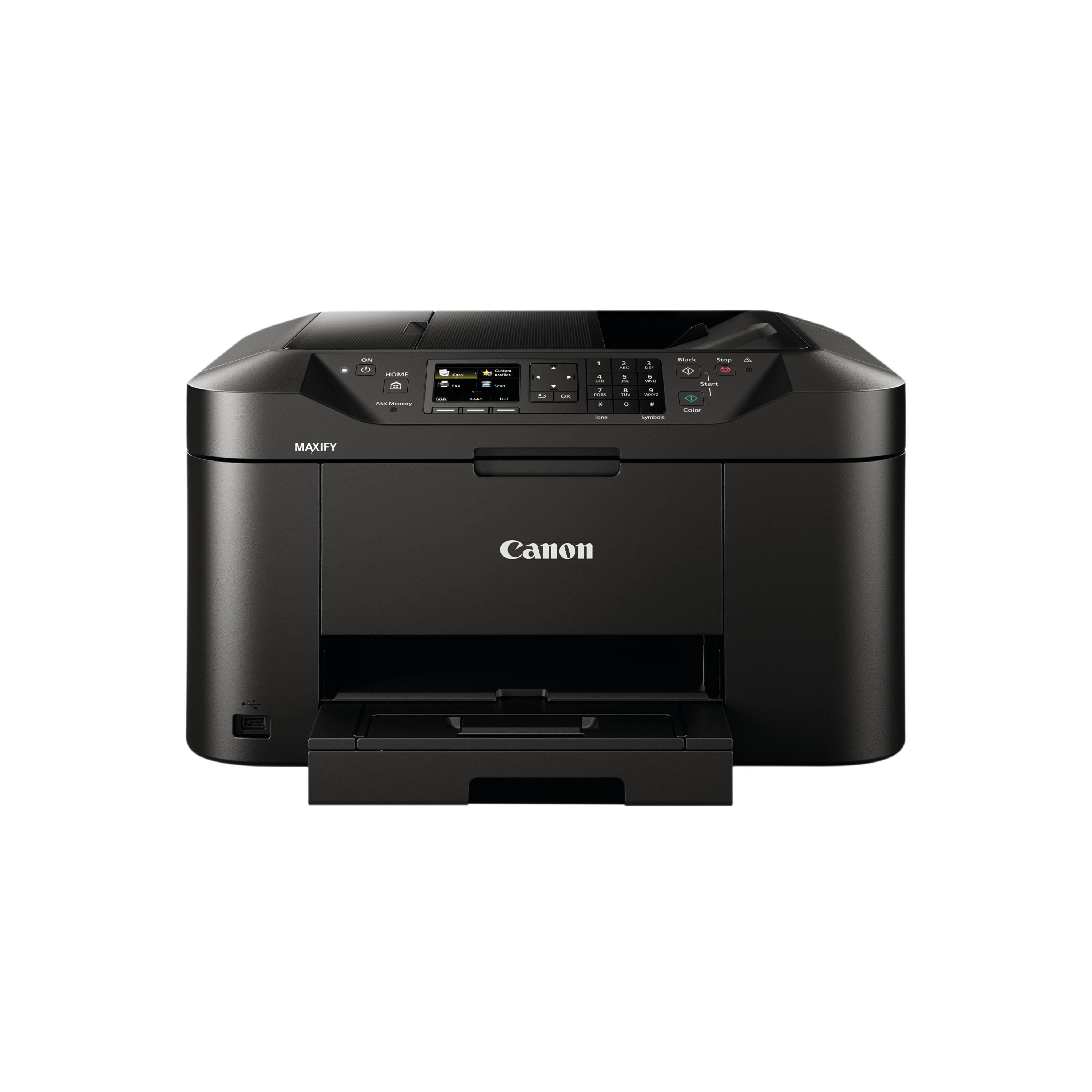
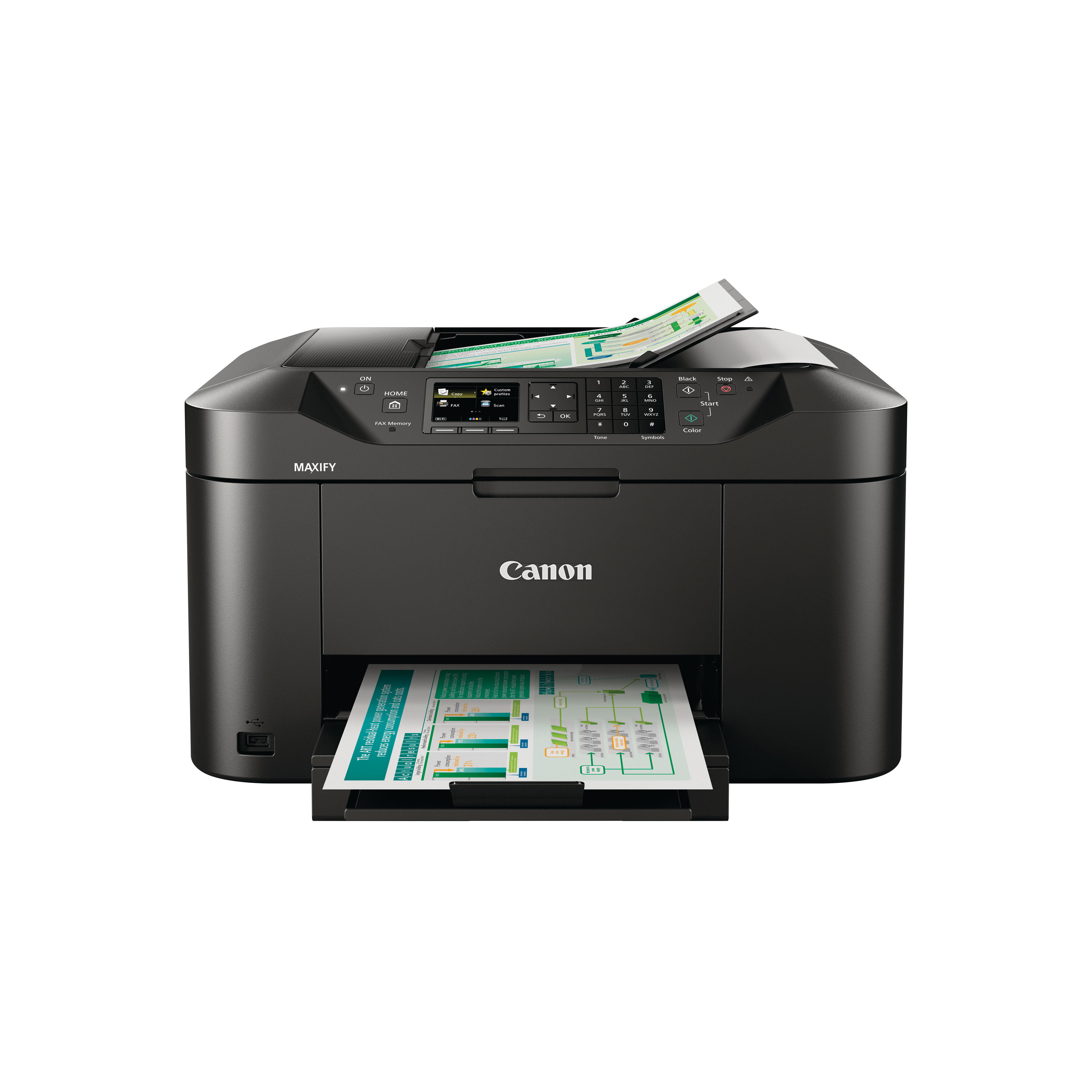
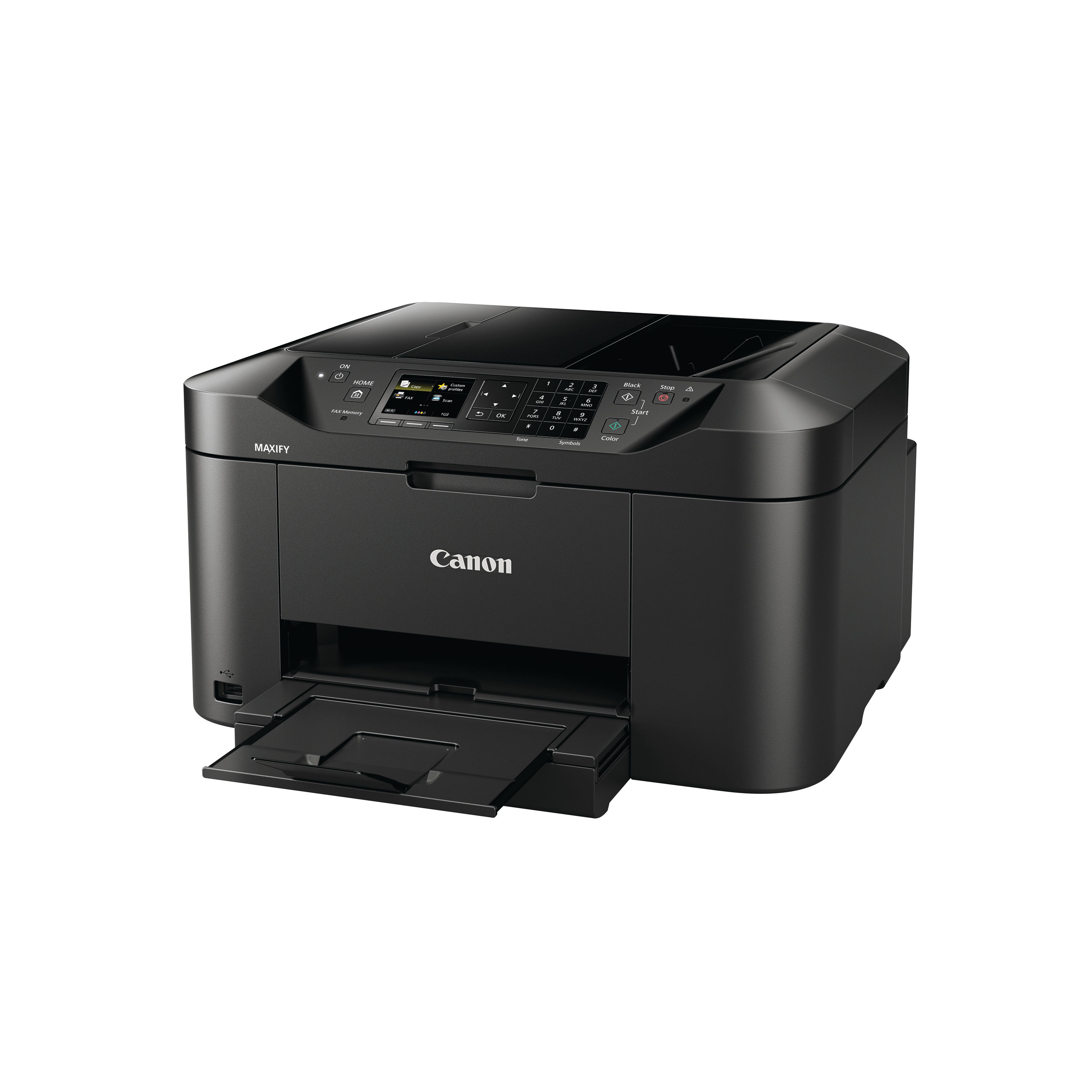
CANON MB2150 MFC INKJET PRINTER
$ 96.47
Description The Canon MAXIFY MB2150 is a versatile all-in-one inkjet printer aimed at home offices and small businesses that need dependable printing, scanning, copying and faxing from a single device. As part of Canon’s MAXIFY range, it combines strong everyday performance with straightforward usability, making it suitable for busy workflows where quality and speed matter. Featuring colour inkjet printing with automatic duplexing and an automatic document feeder (ADF), the MB2150 handles a wide range of document tasks without requiring multiple machines. It supports mobile and cloud printing, enabling direct work from smartphones and tablets, and its built-in Wi-Fi makes setup and network printing straightforward. Whether producing reports, correspondence, scanned archives or faxes, this model delivers crisp results and broad functionality in a compact footprint that suits offices with limited space. Key Features and Benefits All-in-one multifunction capabilityPrint, scan, copy and fax from one device. Fast print performanceUp to 19 images per minute in mono and 13 images per minute in colour. Automatic duplex printingSupports double-sided printing to save paper. Large media handling250-sheet paper tray and 50-sheet ADF reduce refills and improve productivity. Sharp output qualityPrint resolution up to 600 x 1200 dpi produces clear text and detailed colour graphics. Flexible connectivityWi-Fi, USB 2.0 and mobile printing support via AirPrint and other platforms enable easy access from multiple devices. Automatic document feeder (ADF)Supports multi-page scanning and copying, ideal for batch tasks. Instructions for Use 1. Unboxing and setupRemove all packaging and protective tape. Place the printer on a level surface near a power outlet. 2. Load paperPull out the 250-sheet paper tray and adjust guides for the paper size. Load plain A4 paper or other supported media, then push the tray back in. 3. Connect to power and networkPlug in the power cable and switch on the printer. Connect to your Wi-Fi network using the control panel or connect via USB directly to a computer. 4. Install drivers and softwareVisit the official Canon UK support site to download and install the latest drivers and software for your operating system. 5. Use the touchscreen and menusNavigate printing, scanning, copying and faxing options using the printer’s touchscreen controls. 6. Printing and scanning tasksFrom a connected device, select the MB2150 when printing. Use Canon’s scanning software or the touchscreen menu to scan to email, cloud or USB. Comparison Table Feature Canon MAXIFY MB2150 Canon MAXIFY MB5150 Functions Print, scan, copy, fax Print, scan, copy Print technology Colour inkjet Colour inkjet Print speed (mono) Up to 19 ipm Slightly slower typical business speed Print speed (colour) Up to 13 ipm Typical business speed Automatic duplex Yes Yes ADF capacity 50 sheets Optional/varies Connectivity Wi-Fi, USB Wi-Fi, USB Mobile printing Supported Supported Paper capacity 250 sheets 250 sheets Recommended use Home office, small business Home office, small business Specification Sheet Print technologyInkjet colour printing. FunctionsPrint, scan, copy, fax. Print speed (mono)Up to 19 images per minute. Print speed (colour)Up to 13 images per minute. Maximum print resolutionUp to 600 x 1200 dpi. Automatic duplexYes. ADF capacity50 sheets. Standard media capacity250 sheets. Scanner typeFlatbed with ADF, CIS sensor. Optical scan resolutionUp to 1200 x 1200 dpi. Copy speed (mono)Up to 18 images per minute. Copy speed (colour)Up to 10 images per minute. Fax modem speed33.6 Kbps. Display2.5″ screen (approx). ConnectivityUSB 2.0, Wi-Fi. Supported paper sizesA4, A5, B5, envelopes and more. Dimensions (W × D × H)Approx. 463 × 389 × 260 mm. WeightApprox. 10.6 kg. Frequently Asked Questions Is the Canon MAXIFY MB2150 suitable for home and small business useYes, it is designed with multifunction capability and reliable performance for home offices and small business environments. Does this printer support automatic double-sided printingYes, automatic duplex printing is supported. Can it print directly from mobile devicesYes, it supports Wi-Fi and mobile printing platforms such as AirPrint. Does it include a document feeder for scanning multiple pagesYes, the 50-sheet automatic document feeder (ADF) simplifies scanning and copying jobs. What ink cartridges does it useIt uses four individual Canon ink cartridges for colour and black printing (sold separately). Authoritative External Links Official Canon UK support and product pagehttps://www.canon.co.uk/support Canon UK MAXIFY MB2150 product page overviewhttps://www.canon.co.uk/store/canon-maxify-mb2150/0959C008/ Independent UK printer reviews and buying advicehttps://www.which.co.uk/reviews/printers Summary and Conclusion The Canon MAXIFY MB2150 multifunction inkjet printer combines printing, scanning, copying and faxing in a single device that is ideal for home offices and small businesses. With solid print speeds, automatic duplex, large paper handling and flexible connectivity, it supports efficient document workflows and strong everyday performance at an economical running cost. Its multifunction features make it a practical choice for users who need integrated office capabilities without investing in multiple separate machines. Canon Infographic https://online.nicheofficesolutions.co.uk/wp-content/uploads/2026/01/Ink-vs.-Toner_-Choosing-the-Right-Solution-for-Your-Printing-Needs.mp4
Related products
-
Remo 18″ Emperor Clear Bass Drum Heads BB-1318-00
$ 66.78 Select options This product has multiple variants. The options may be chosen on the product page -
Pearl Export, Decade Maple, 22″ Powerstroke 3 Coated Bass Drum Logo Head
$ 64.80 Select options This product has multiple variants. The options may be chosen on the product page -
Remo 16″ Remo Ambassador Smooth White Bass Drum Head BR-1216-00
$ 64.17 Select options This product has multiple variants. The options may be chosen on the product page
 *In case our email gets quarantined by your email system, please check your spam box