

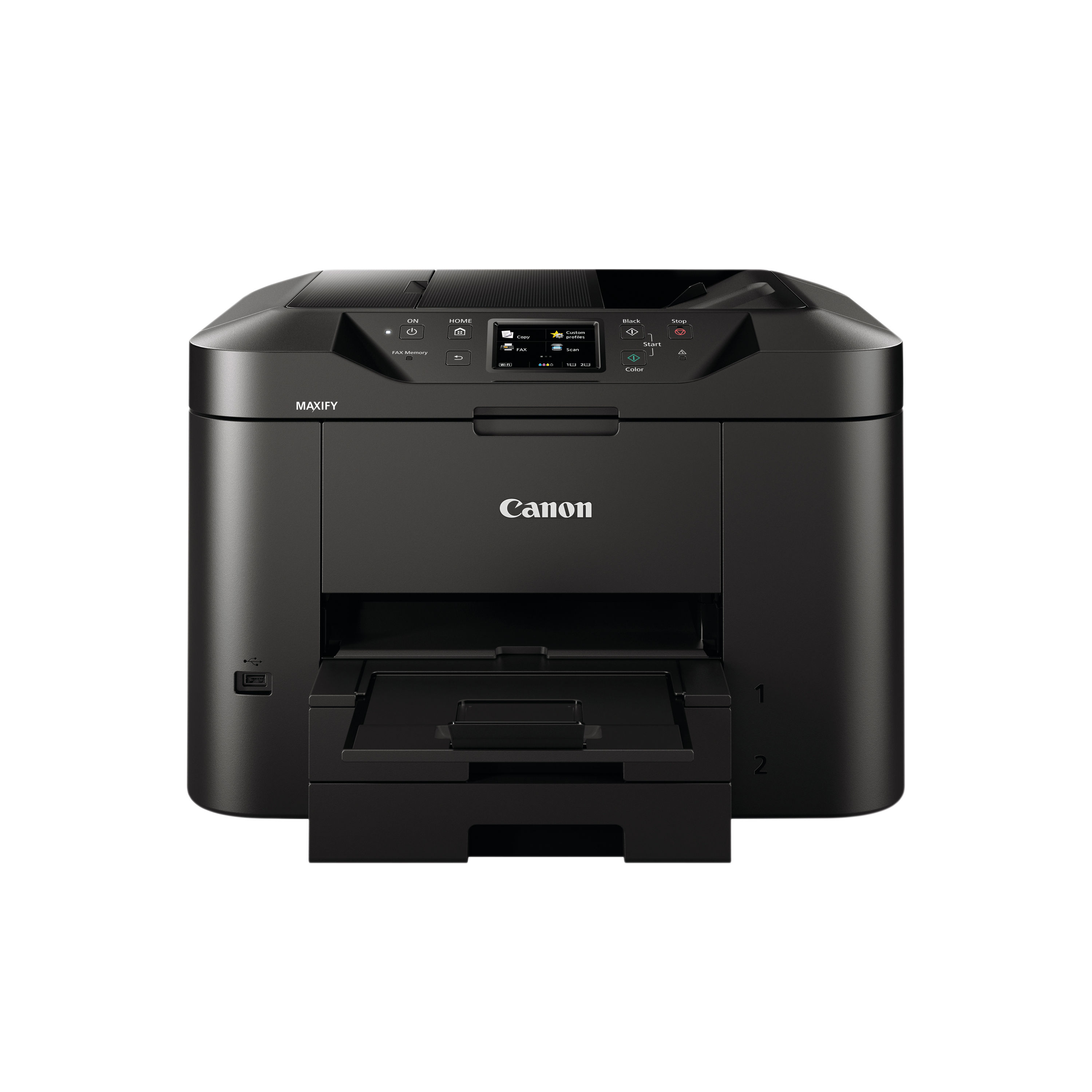
CANON MB2750 MFC INKJET PRINTER
$ 93.68
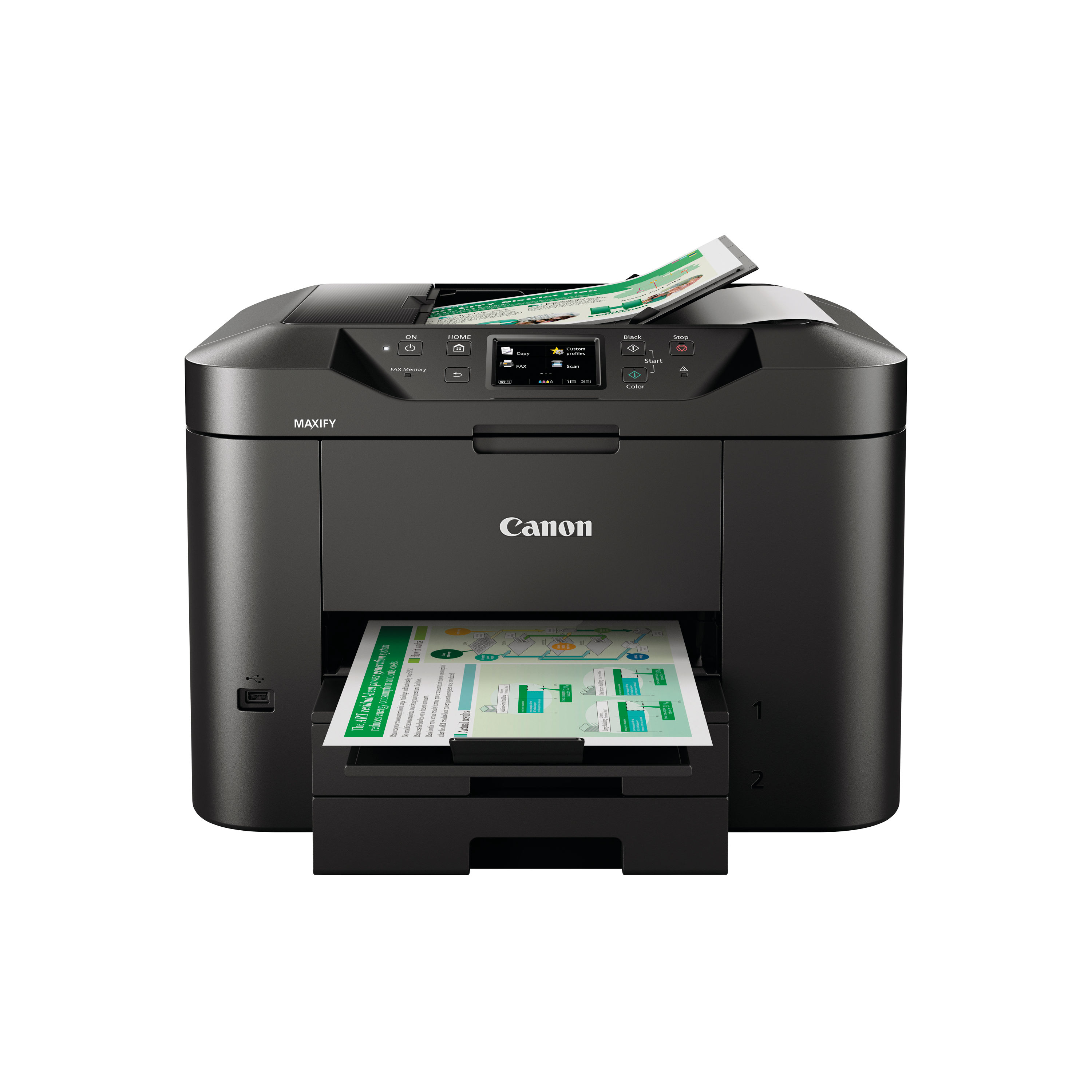
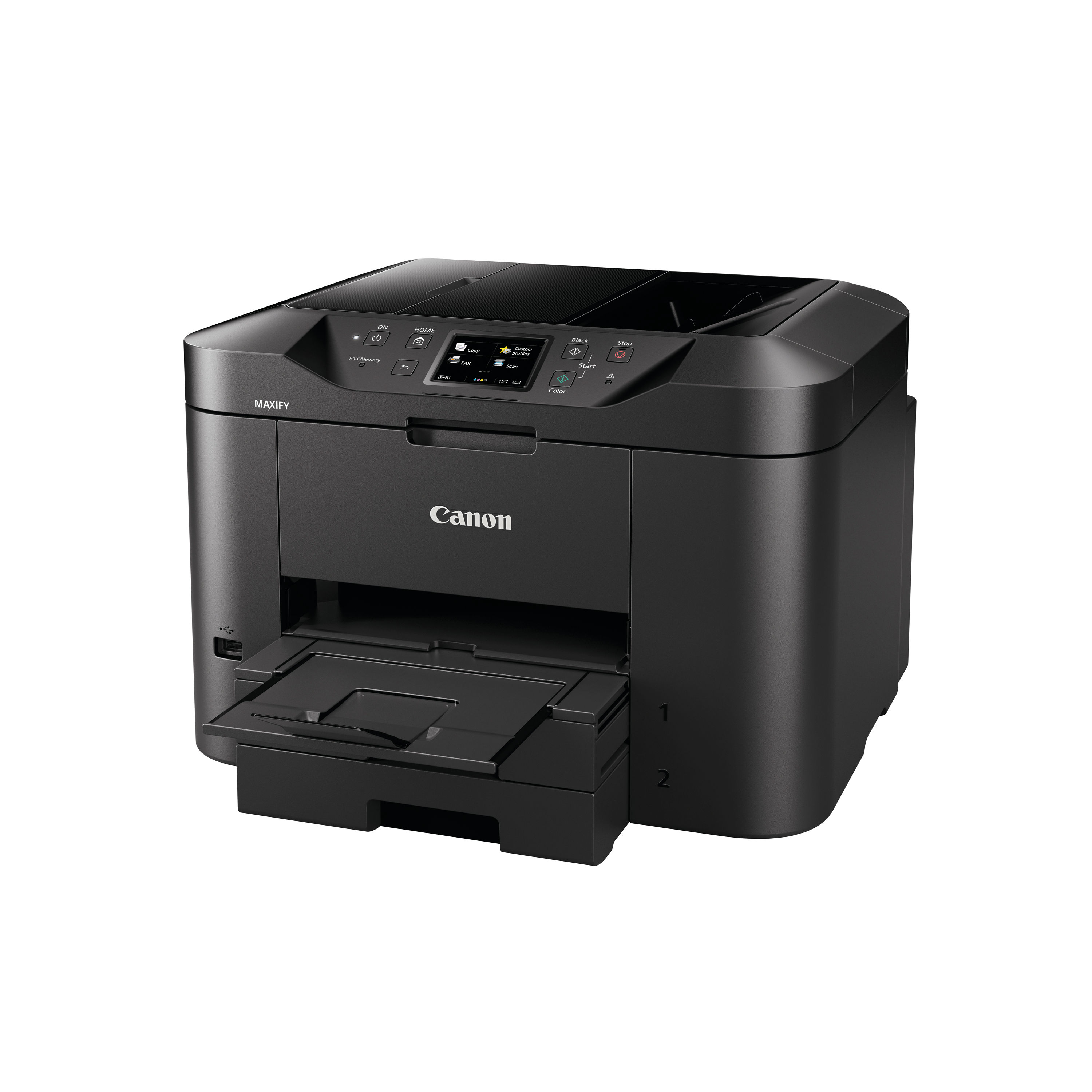
Description The Canon MAXIFY MB2750 is an all-in-one multifunction inkjet printer designed for small businesses, home offices and shared workspaces where dependable performance and multifunction capability are essential. Combining printing, scanning, copying and faxing in a single unit, the MB2750 provides efficient document handling and flexible connectivity for modern workplace demands. This model blends reliable everyday performance with straightforward setup and operation. It offers crisp text and vibrant colour output while maintaining cost-effective running through efficient ink usage. With features such as automatic duplex printing and an automatic document feeder (ADF), this printer helps users complete tasks quickly and easily — from batch scans to high-quality document printing — all from one versatile device. The MB2750 is ideal for users who need a robust multifunction solution that supports daily business workflows without unnecessary complexity. Key Features and Benefits All-in-one multifunction capabilityPrint, scan, copy and fax from one device, reducing the need for multiple machines and saving space. Automatic duplex printingThe Canon MAXIFY MB2750 Supports double-sided printing, helping to reduce paper usage and promote efficient document handling. Automatic document feeder (ADF)50-sheet ADF enables batch scanning and copying of multiple pages without manual feeding. Fast everyday performanceReliable print speeds help keep workflows moving for both monochrome and colour documents. Sharp output qualityUp to 600 x 1200 dpi maximum print resolution delivers clear text and vibrant colour graphics for business documents and presentations. Flexible connectivitySupports Wi-Fi, USB and mobile printing via Canon PRINT app, AirPrint and other platforms, making it easy to print from laptops, tablets and smartphones. User-friendly operationBuilt-in intuitive control panel simplifies setup and navigation, with clear menus for core functions. Instructions for Use 1. Unboxing and positioningRemove the printer from all packaging and protective tape. Place the unit on a stable, level surface close to a power outlet and network point if necessary. 2. Loading paperOpen the paper tray and adjust the guides to fit your paper size. Load plain A4 paper or other compatible media, then close the tray securely. 3. Connecting to power and networkPlug in the power cable and switch the printer on. Connect to your Wi-Fi network using the control panel’s setup menu or use USB for direct connection to a computer. 4. Installing drivers and softwareVisit the official Canon UK support website and download the latest drivers and software for your operating system. Follow the on-screen instructions to complete installation. 5. Using the touchscreen and menusNavigate the printer’s menus via the control panel to choose print, scan, copy or fax functions. Use intuitive prompts to adjust settings for each task. 6. Performing tasksFrom a linked computer or mobile device, select the MB2750 when printing. Use Canon’s scanning software or the control panel to initiate scans or copies, and send faxes directly from the touchscreen. Comparison Table Comparison between the Canon MAXIFY MB2750 and the Canon MAXIFY MB2150 Feature Canon MAXIFY MB2750 Canon MAXIFY MB2150 Functions Print, scan, copy, fax Print, scan, copy, fax Print technology Colour inkjet Colour inkjet Print speed (mono) Around 19 ppm† Up to 19 ppm† Print speed (colour) Around 13 ppm† Up to 13 ppm† Automatic duplex Yes Yes ADF capacity 50 sheets 50 sheets Connectivity Wi-Fi, USB Wi-Fi, USB Mobile printing Supported Supported Paper capacity ~250 sheets ~250 sheets Recommended use Small business, home office Small business, home office † Performance varies by media type and settings. Specification Sheet Print technologyColour inkjet printing with integrated MFC capability FunctionsPrint, scan, copy, fax Print speed (monochrome)Approximately 19 images per minute Print speed (colour)Approximately 13 images per minute Maximum print resolutionUp to 600 x 1200 dpi Automatic duplex printingYes Automatic document feeder (ADF)50 sheets Scanner typeFlatbed with ADF Optical scan resolutionUp to 1200 x 1200 dpi ConnectivityWi-Fi, USB 2.0 Mobile print supportApple AirPrint, Mopria, Canon PRINT app Paper handlingApprox. 250-sheet front tray Supported paper sizesA4, A5, B5, envelopes and additional supported media Fax modem speed33.6 Kbps Display and controlsIntuitive control panel with built-in menus Dimensions (W × D × H)Approximately comparable to compact MFC inkjets WeightApproximate mid-range MFC weight Monthly duty cycleDesigned for moderate daily business use Frequently Asked Questions Is the Canon MAXIFY MB2750 suitable for business useYes, it is designed for small and home business environments where regular printing, scanning, copying and faxing are required. Does it support automatic double-sided printingYes, it supports duplex printing to help save paper. Can I print from my phone or tabletYes, mobile printing is supported via Canon PRINT app, AirPrint and other compatible platforms. Does it include a document feederYes, it includes a 50-sheet automatic document feeder for batch scanning and copying. What ink cartridges does it useIt uses individual Canon ink cartridges for black, cyan, magenta and yellow (sold separately). Authoritative External Links Official Canon UK support and product informationhttps://www.canon.co.uk/support Canon UK MAXIFY MB2750 product page overviewhttps://www.canon.co.uk/store Independent UK printer reviews and buying advicehttps://www.which.co.uk/reviews/printers Summary and Conclusion The Canon MAXIFY MB2750 multifunction inkjet printer delivers a comprehensive all-in-one solution for small offices and home workspaces. With reliable print quality, multifunction versatility and flexible connectivity options, it supports efficient document production and handling. Features such as automatic duplex printing and an automatic document feeder enhance productivity, while mobile printing support ensures modern workflow convenience. Overall, the MB2750 is a cost-effective and practical choice for everyday business document management. Canon Infographic https://online.nicheofficesolutions.co.uk/wp-content/uploads/2026/01/Ink-vs.-Toner_-Choosing-the-Right-Solution-for-Your-Printing-Needs.mp4
Related products
-
Remo 18″ Emperor Clear Bass Drum Heads BB-1318-00
$ 66.78 Select options This product has multiple variants. The options may be chosen on the product page -
Pearl Masters 22″ Coated Powerstroke 3 Bass Drum Logo Head
$ 62.10 Select options This product has multiple variants. The options may be chosen on the product page -
Remo 16″ Fiberskyn 3 Ambassador Bass Drum Head FA-1516-00
$ 76.23 Select options This product has multiple variants. The options may be chosen on the product page
 *In case our email gets quarantined by your email system, please check your spam box