

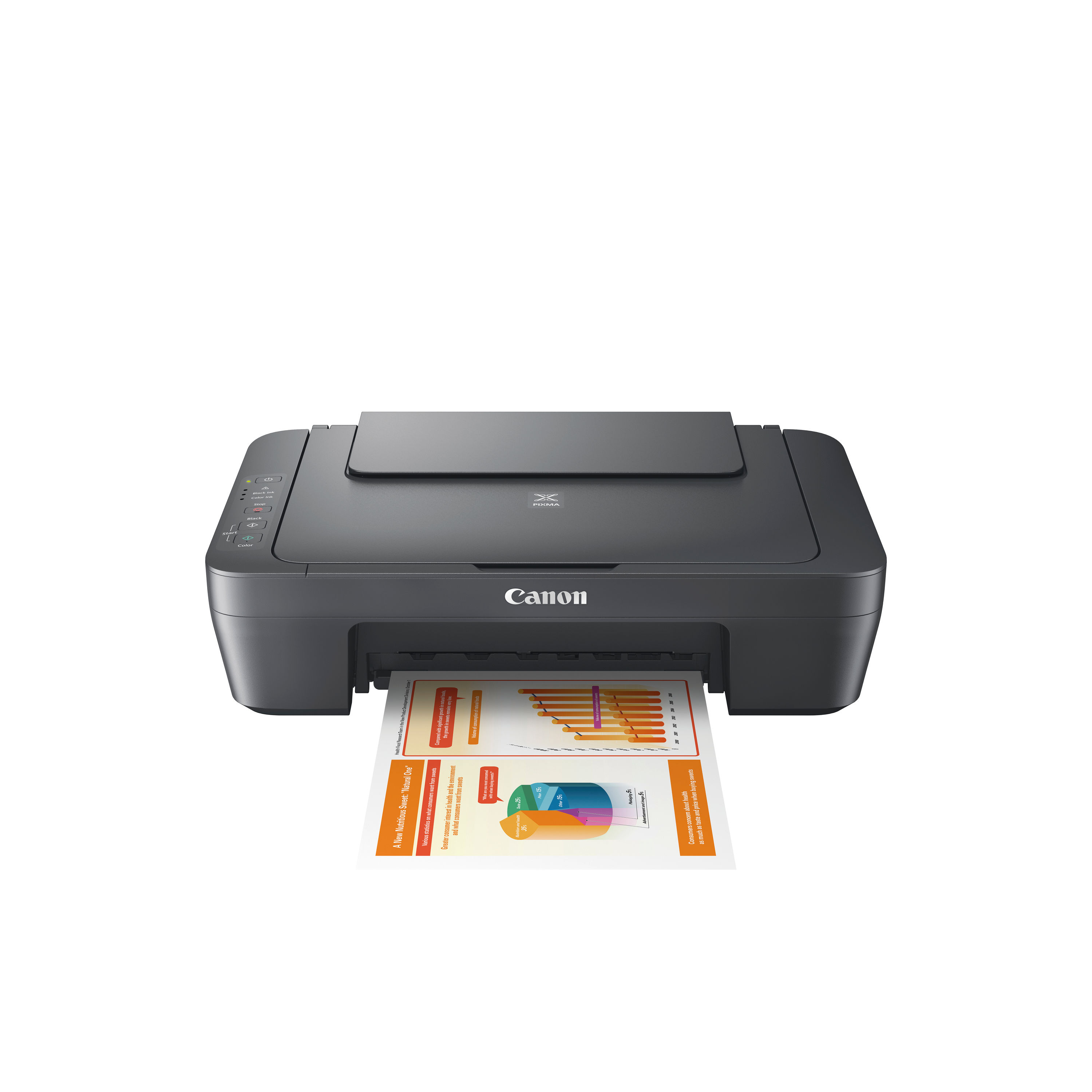
CANON PIXMA MG2551S IJ PRINTER A4 MF
$ 43.80
Description The Canon PIXMA MG2551S is an affordable all-in-one inkjet printer designed for home and small office use. It combines printing, scanning and copying in a compact device that delivers reliable everyday performance for documents and basic photo printing. With Canon’s FINE inkjet technology, the MG2551S produces sharp text and good colour detail at a budget-friendly price point. This model connects via USB to a computer or laptop and supports a range of media types, making it suitable for schoolwork, letters, forms and casual photo prints. Its straightforward design focuses on simplicity and ease of use, making setup and operation accessible for users who prefer a no-frills printing solution. Key Features and Benefits All-in-one functionalityPrint, scan and copy from a single deviceReduces the need for multiple machines Compact designSmall footprint ideal for desks and limited spacesLightweight construction for easy placement Reliable print qualityUp to 4800 × 600 dpi resolutionSharp text and vibrant colour output FINE cartridge technologyCanon’s ink system delivers consistent resultsEasy cartridge replacement for maintenance Affordable running costsOptional high-capacity (XL) cartridges extend page yieldHelps reduce cost per page for regular printing USB connectivityDirect connection to PC or laptopSimple setup without network configuration Basic photo printingSupports photo paper and colour reproductionSuitable for casual photo projects Instructions for Use Unboxing and setupRemove all packaging materials and protective tapePlace the printer on a stable surface near a power source Install ink cartridgesOpen the cartridge compartmentInsert black and colour cartridges as indicated Connect to computerUse a USB cable (sold separately)Follow driver installation prompts from Canon’s website Load paperOpen the rear paper trayAdjust guides and load up to 60 sheets of A4 paper Print or scanSelect the printer from your device’s print menuUse Canon software for scanning and copying tasks Maintain the printerReplace cartridges when promptedKeep the scanner glass clean for optimal performance Specification Sheet Print technologyColour inkjet with Canon FINE cartridge system FunctionsPrint, scan, copy Print resolutionUp to 4800 × 600 dpi Print speed (mono)Approx. 8 images per minute Print speed (colour)Approx. 4 images per minute Scanner typeFlatbed CIS scanner Optical scan resolutionUp to 600 × 1200 dpi Paper capacityRear tray up to 60 sheets ConnectivityHi-Speed USB CartridgesTwo (black and colour) DimensionsApprox. 426 × 306 × 145 mm WeightApprox. 3.5 kg Supported mediaPlain paper, photo paper, envelopes Frequently Asked Questions Is the Canon PIXMA MG2551S suitable for home useYes, it is designed for everyday printing, scanning and copying at home or in small offices. Does it support wireless printingNo, it connects via USB only and does not offer Wi-Fi or mobile printing. Can it print photosYes, it supports photo paper and produces colour prints suitable for casual photo use. What ink cartridges does it useIt uses two Canon FINE cartridges (black and colour), with optional XL versions available. Does it scan documentsYes, it includes a flatbed scanner for scanning documents and photos. Authoritative External Links Official Canon UK support and drivershttps://www.canon.co.uk/support Canon PIXMA product informationhttps://www.canon.co.uk/printers/pixma Independent printer reviews and buying advicehttps://www.which.co.uk/reviews/printers Summary and Conclusion The Canon PIXMA MG2551S multifunction inkjet printer offers a practical and affordable solution for home and small office document handling. With printing, scanning and copying capabilities in one device, it supports everyday tasks such as homework, letters and basic photo projects. Its compact design and USB connectivity make setup simple, while Canon’s ink system delivers reliable results at a low entry price. For users seeking an economical all-in-one printer for routine use, the MG2551S remains a solid choice. Canon Infographic https://online.nicheofficesolutions.co.uk/wp-content/uploads/2026/01/Ink-vs.-Toner_-Choosing-the-Right-Solution-for-Your-Printing-Needs.mp4
Related products
-
Remo 16″ Fiberskyn 3 Ambassador Bass Drum Head FA-1516-00
$ 76.23 Select options This product has multiple variants. The options may be chosen on the product page -
Remo 16″ Remo Ambassador Smooth White Bass Drum Head BR-1216-00
$ 64.17 Select options This product has multiple variants. The options may be chosen on the product page -
Remo 18″ Fiberskyn 3 Bass Drum Head FA-1518-00
$ 94.50 Select options This product has multiple variants. The options may be chosen on the product page
 *In case our email gets quarantined by your email system, please check your spam box