

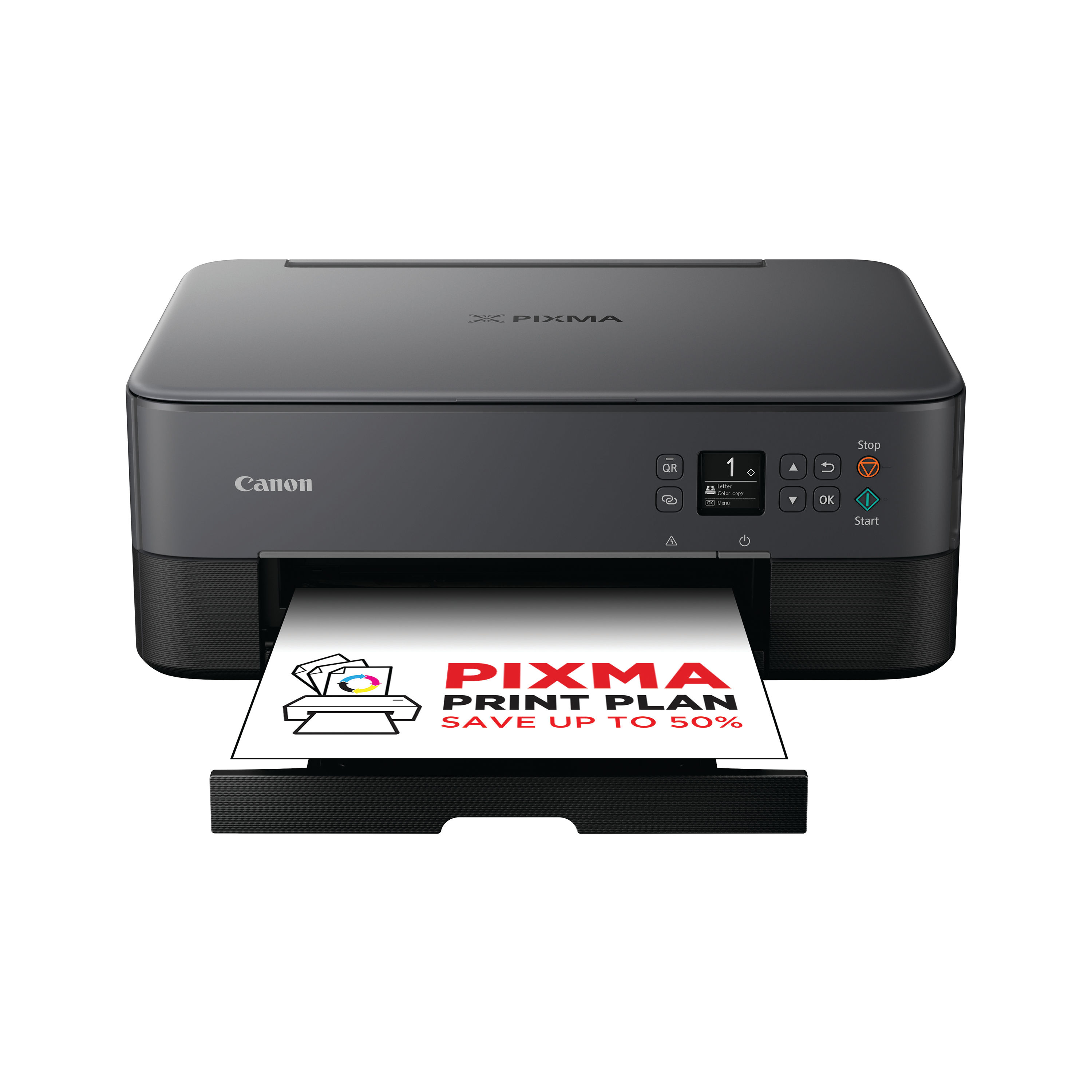
CANON PIXMA TS5350I INKJET PRINTER
$ 99.83
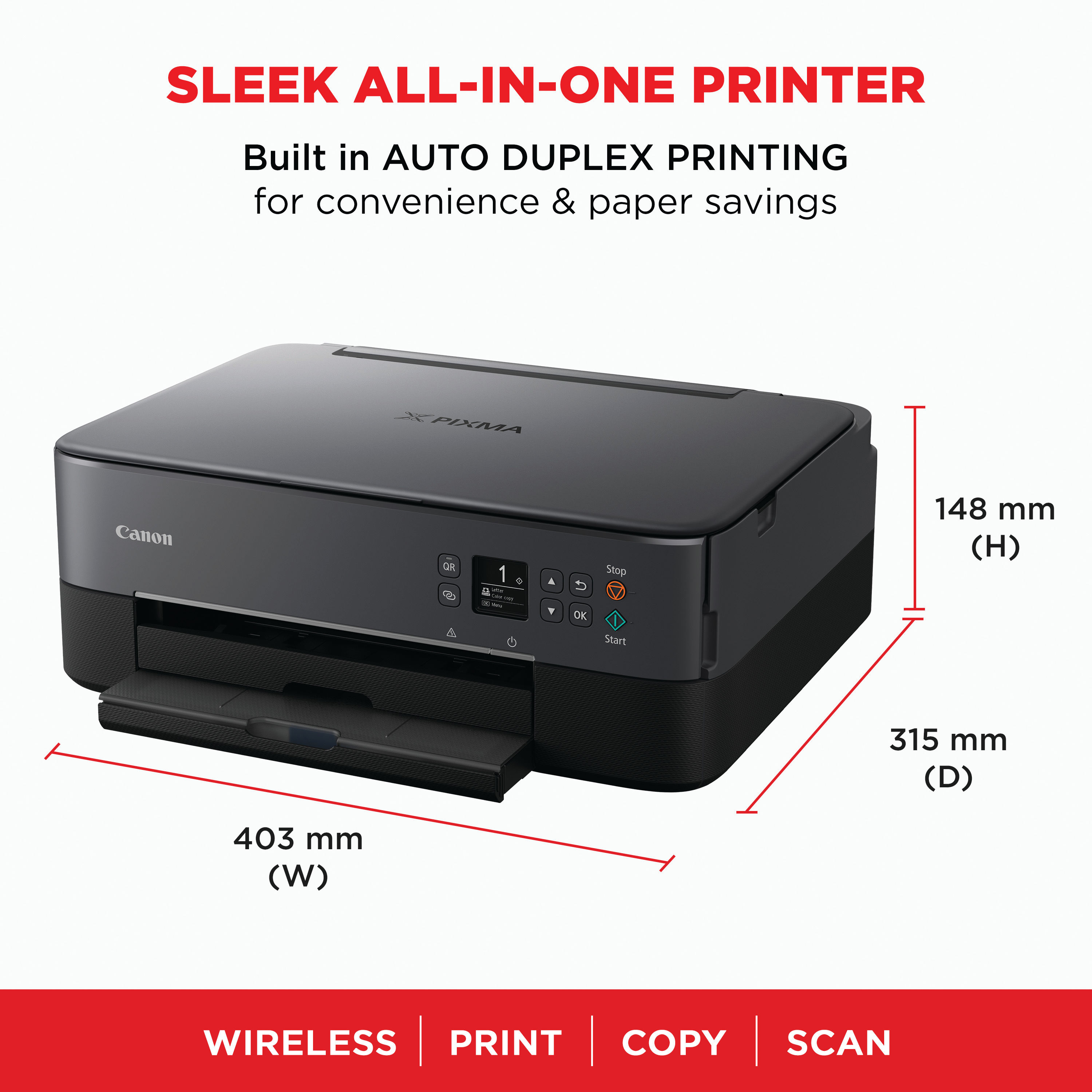
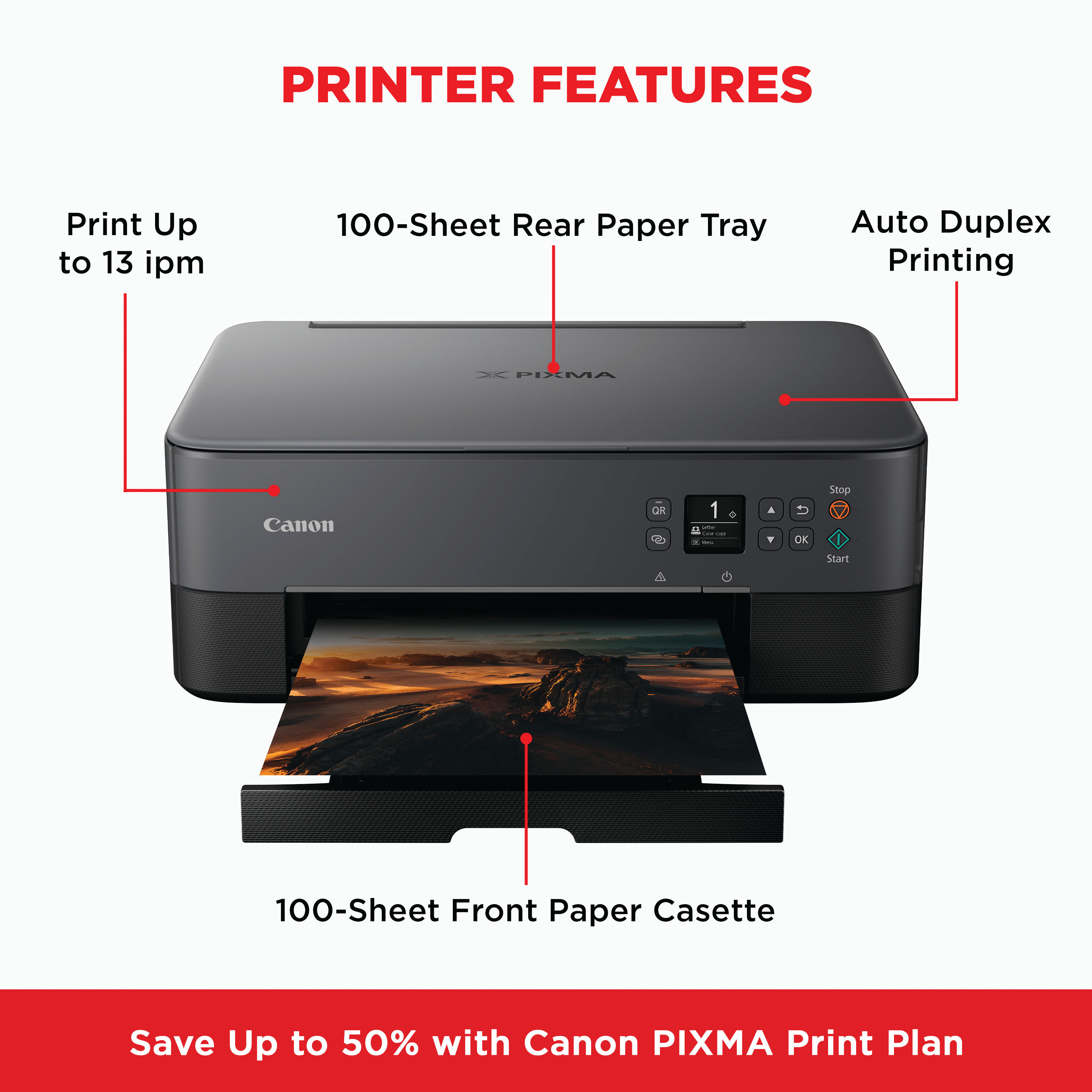
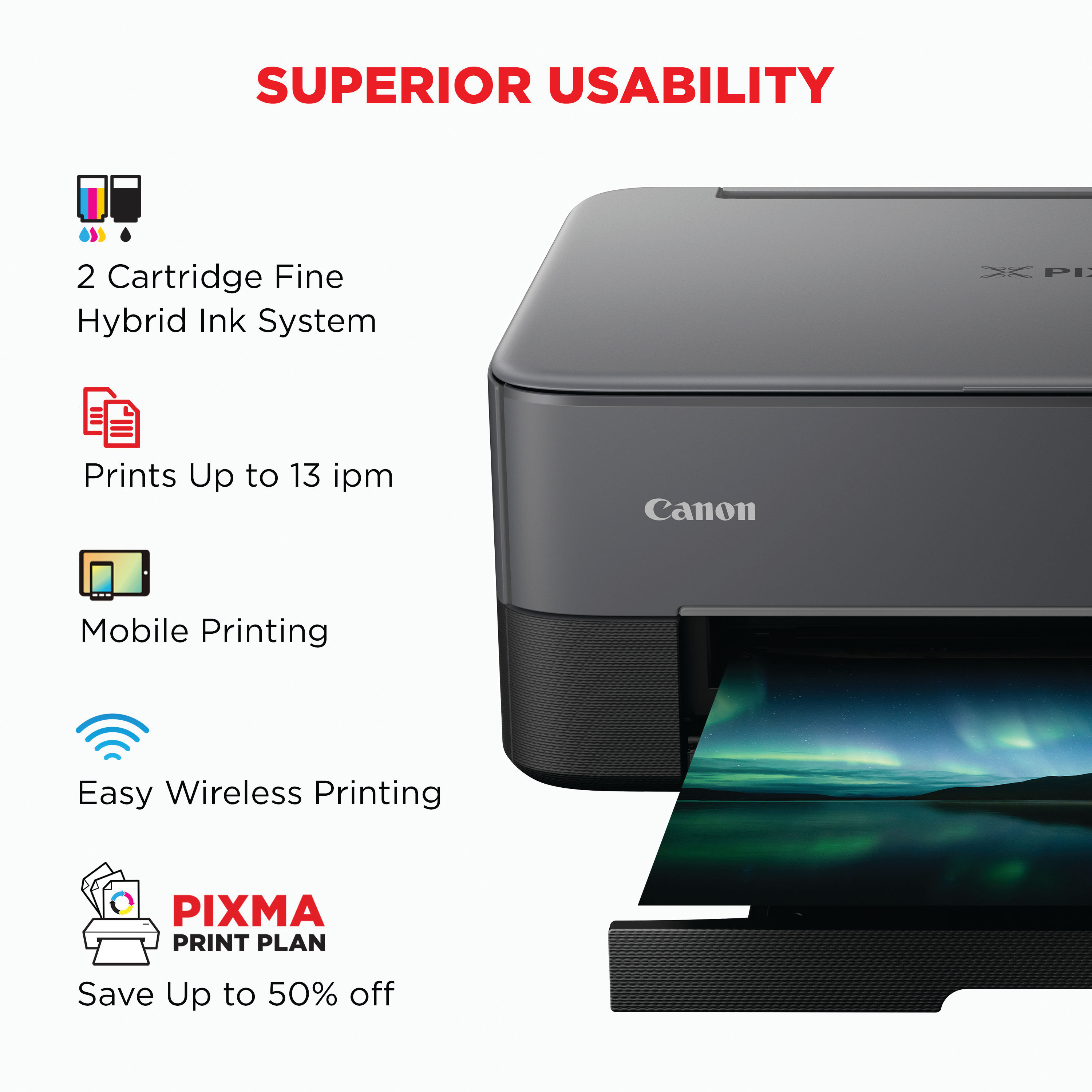
Description The Canon PIXMA TS5350i is a modern all-in-one inkjet printer designed for home and small office users who need printing, scanning and copying in one compact device. It features Canon’s FINE inkjet technology with ChromaLife100 inks for vibrant colours and crisp text, supporting everyday document printing and creative projects alike. The TS5350i offers easy wireless connectivity for printing from computers, tablets and smartphones, and includes automatic duplex printing to help reduce paper use. Its intuitive OLED display and simple setup make it accessible even for users new to multifunction printers. This model is ideal for everyday tasks such as reports, letters, school work, recipes and photos, with the flexibility to handle a variety of media types including standard plain paper and special media for creative prints. Key Features and Benefits All-in-one functionalityProvides printing, scanning and copying in one device, eliminating the need for multiple machines. Reliable print qualityUp to 4800 × 1200 dpi colour resolution for sharp text and detailed images. Automatic duplex printingPrint double-sided A4 documents automatically to reduce paper usage and support efficient workflows. Wireless and mobile printingWi-Fi support with Canon PRINT app, AirPrint and Mopria allows printing from smartphones, tablets and laptops. Borderless photo printingProduce borderless photos up to 10 × 15 cm for creative and sharable prints. Intuitive display and controls1.44″ OLED display and LED status bar provide clear information at a glance and easy setup. Creative applicationsCompatible with Easy-PhotoPrint Editor and Creative Park for personalised projects and crafts. Instructions for Use Unbox and position the printerRemove the printer from its packaging and remove all protective tapes and materials. Place it on a stable, flat surface near a power outlet. Install ink cartridgesOpen the ink compartment and insert the supplied black and colour FINE cartridges as labelled. Connect to power and networkConnect the power cable and switch the printer on. Use the OLED display and Canon setup prompts to connect to your Wi-Fi network or connect via USB. Install software and driversVisit the official Canon UK support website to download and install the latest drivers and printing software for your device. Load paperUse the rear tray and/or front tray to load plain A4 paper or compatible media. Adjust the paper guides as needed. Print, scan and copySelect the TS5350i as your printer on your device, and send print jobs from your computer or mobile. Use the Canon PRINT app or scanning software to initiate scans and copies. Comparison Table Feature Canon PIXMA TS5350i Canon PIXMA MG2551S Functions Print, scan, copy Print, scan, copy Print technology Colour inkjet FINE Colour inkjet FINE Connectivity Wi-Fi, USB USB only Mobile printing Yes No Automatic duplex Yes No Display OLED display Basic controls Borderless photo Yes No Recommended use Home, small office Home, basic print Specification Sheet Print technologyColour inkjet (Canon FINE) with ChromaLife100 inks FunctionsPrint, scan, copy, cloud printing Maximum print resolutionUp to 4800 × 1200 dpi Print speed (mono)Approximately 13 ipm (A4) Print speed (colour)Approximately 6.8 ipm (A4) Automatic duplex printingYes (plain paper) Scanner typeFlatbed scanner Scanner resolutionUp to 1200 × 2400 dpi optical Paper capacityUp to 200 sheets total (front rear tray) Supported paper sizesA4, A5, B5, envelopes and creative media ConnectivityWi-Fi (IEEE802.11 b/g/n), USB 2.0 Mobile printing supportCanon PRINT app, AirPrint, Mopria Display1.44″ OLED screen Dimensions (W × D × H)Approx. 403 × 315 × 148 mm WeightApprox. 6.3 kg Frequently Asked Questions Is the CANON PIXMA TS5350I suitable for home useYes, it is designed to handle everyday printing, scanning and copying needs in homes or small offices. Does it support wireless printingYes, it supports Wi-Fi and mobile printing via Canon PRINT app, AirPrint and Mopria. Can it print photos as well as documentsYes, it can produce borderless photos and standard documents. What ink cartridges does it useIt uses two standard cartridges (black PG-560 and colour CL-561), with optional XL versions available. Does it have automatic double-sided printingYes, auto duplex printing is supported for plain A4 and other sizes listed. Authoritative External Links Official Canon UK support and product pagehttps://www.canon.co.uk/support Canon PIXMA TS series product informationhttps://www.canon.co.uk/printers/pixma Independent UK printer reviews and buying advicehttps://www.which.co.uk/reviews/printers Summary and Conclusion The Canon PIXMA TS5350i all-in-one inkjet printer offers a balanced blend of performance, versatility and convenience for home and small office users. With wireless connectivity, auto duplex printing, solid print quality and mobile printing support, it caters to a range of everyday document and photo printing needs. Its intuitive OLED display and compact design make it simple to use and fit into modern spaces. Whether tackling schoolwork, reports or creative projects, the TS5350i provides a reliable and user-friendly printing solution. Canon Infographic https://online.nicheofficesolutions.co.uk/wp-content/uploads/2026/01/Ink-vs.-Toner_-Choosing-the-Right-Solution-for-Your-Printing-Needs.mp4
Related products
-
Remo 18″ Fiberskyn 3 Bass Drum Head FA-1518-00
$ 94.50 Select options This product has multiple variants. The options may be chosen on the product page -
Pearl Export, Decade Maple, 18″ Powerstroke 3 Coated Bass Drum Logo Head
$ 38.69 Select options This product has multiple variants. The options may be chosen on the product page -
Pearl Masters 18″ Coated Powerstroke 3 Bass Drum Logo Head
$ 35.99 Select options This product has multiple variants. The options may be chosen on the product page
 *In case our email gets quarantined by your email system, please check your spam box