

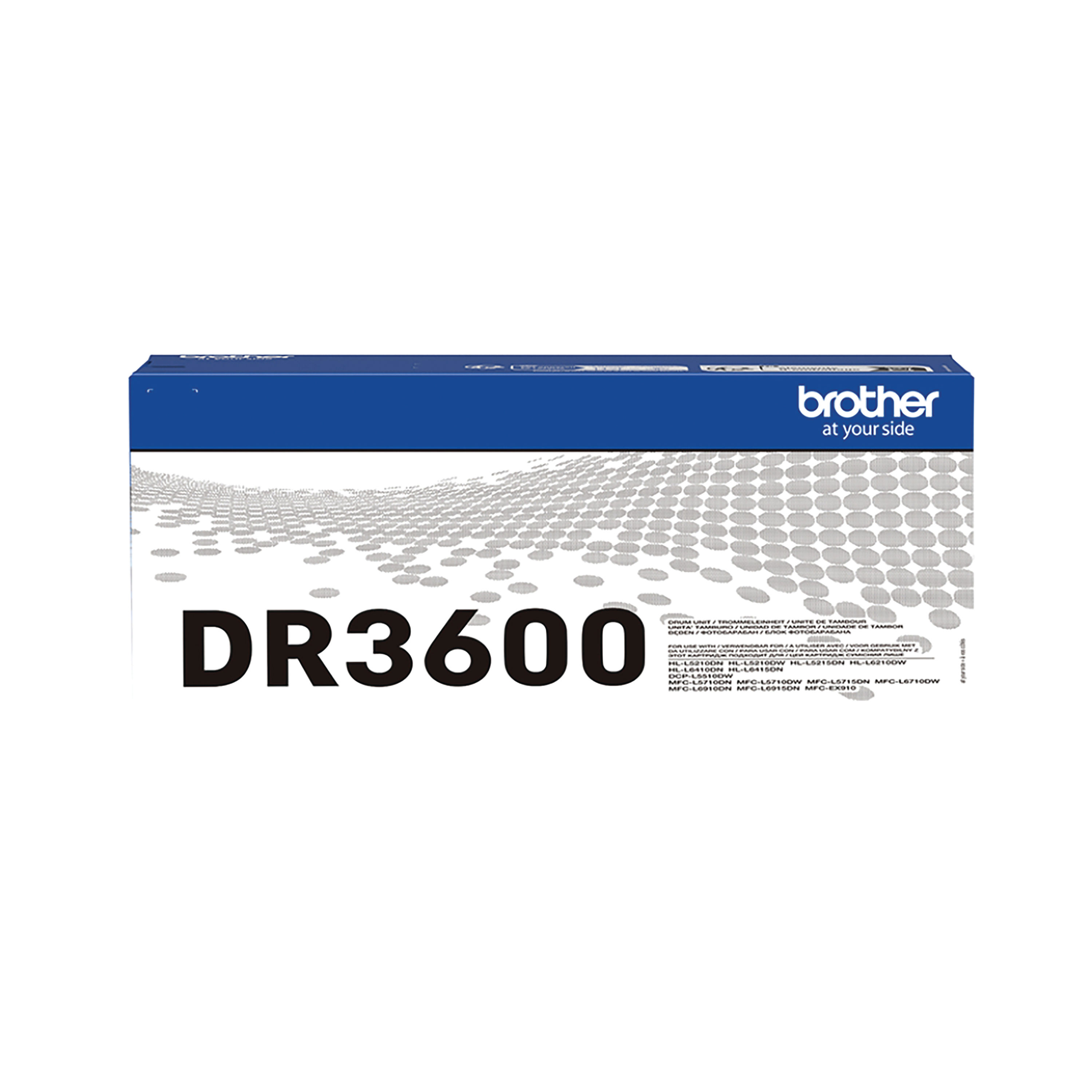
BROTHER DR-3600 DRUM UNIT DR3600
$ 99.32
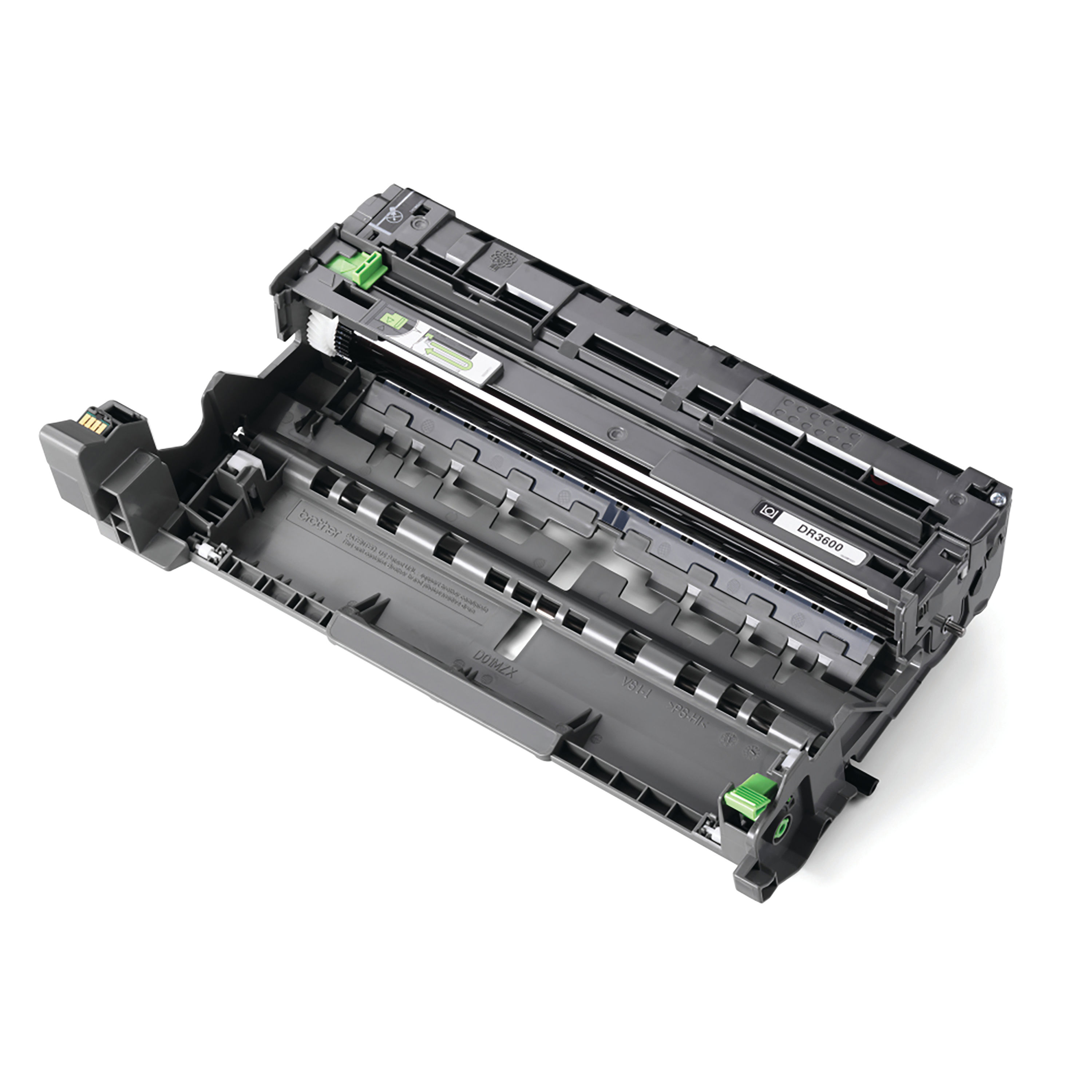
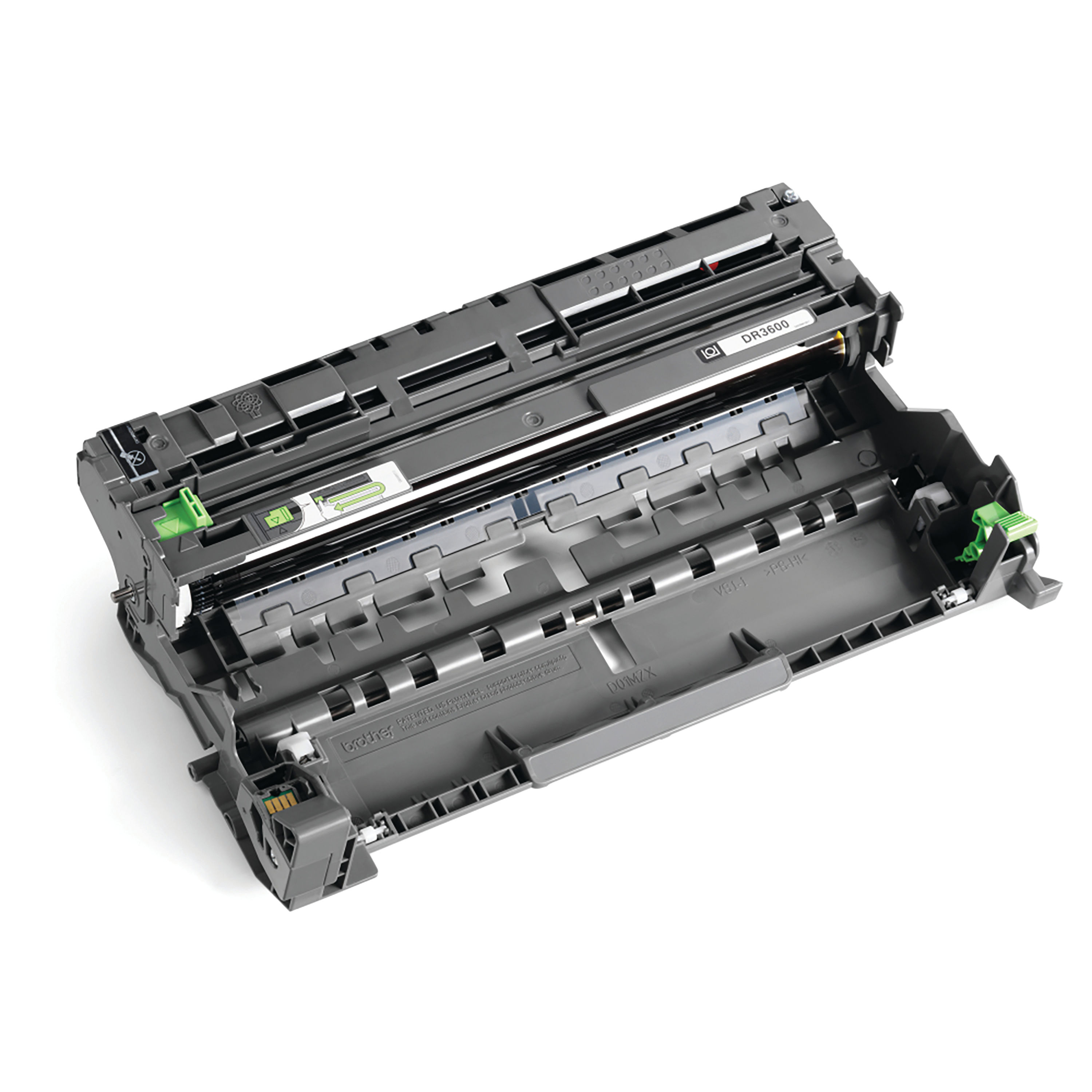
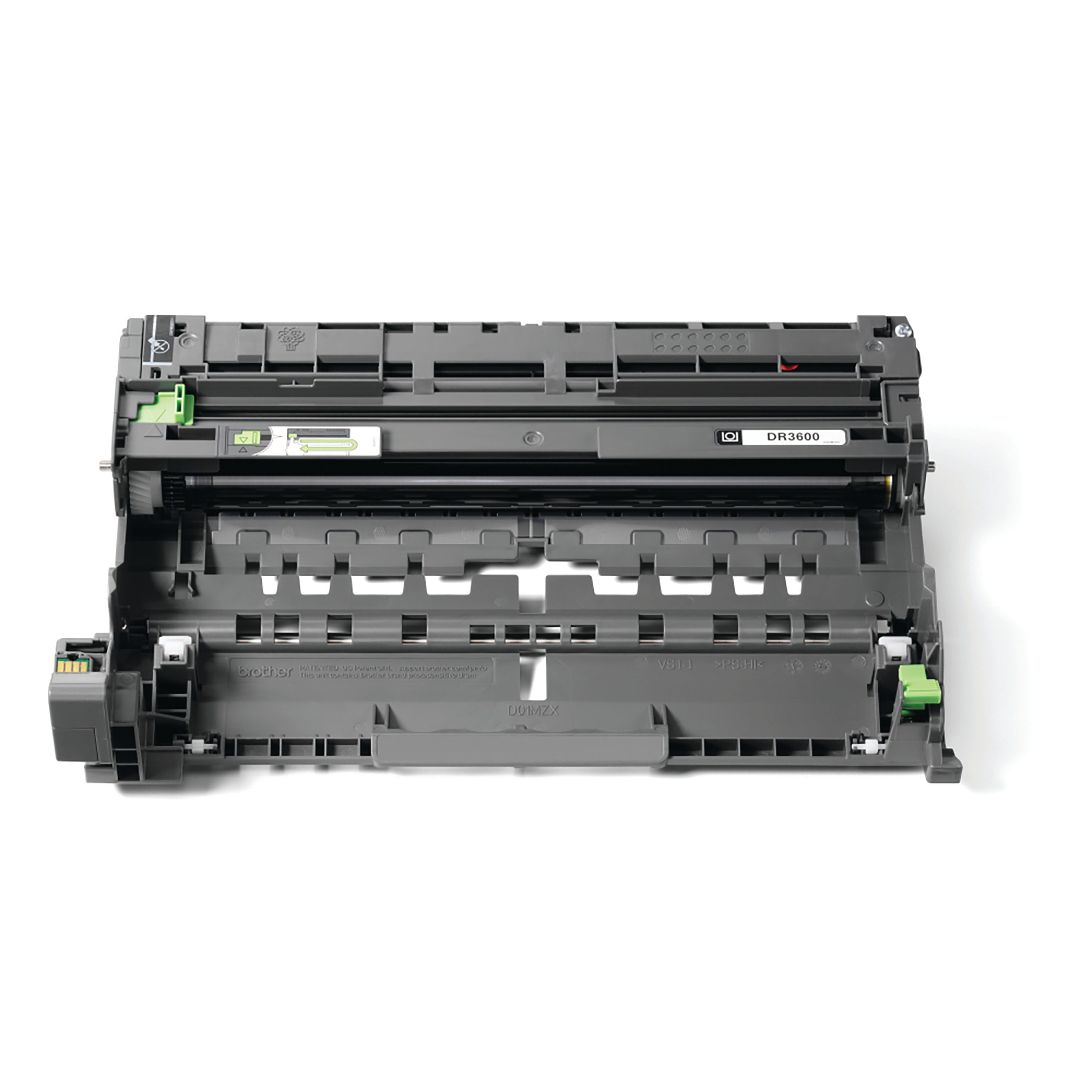
Description The Brother DR-3600 Drum Unit is a genuine imaging component designed for selected Brother monochrome laser printers. In laser printing systems, the drum unit plays a critical role by transferring toner from the cartridge onto paper using an electrostatic process. This process ensures clear text, sharp graphics, and consistent document quality. Unlike toner cartridges, which contain the printing powder, the drum unit forms the image that is ultimately fused onto the page. Over time the drum surface gradually degrades due to repeated exposure to laser light and toner particles. Replacing the drum unit when required ensures the printer continues to deliver professional results and reliable performance. Designed for modern office environments, the DR-3600 drum unit provides a high page yield and dependable print consistency, making it suitable for organisations with moderate to high printing demands. Professional Installation Narrative When a trained technician installs a Brother DR-3600 Drum Unit, the process follows a structured and careful approach to ensure optimal printer performance and to protect the delicate photoconductor surface of the drum. The technician first powers down the printer and disconnects it from the electrical supply. Laser printers generate heat during operation, particularly around the fuser assembly, so allowing the machine to cool is an important safety step. Next, the technician opens the printer’s front access panel to reach the toner and drum assembly. In most compatible Brother printers, the toner cartridge sits within the drum unit, forming a combined module that can be easily removed. The technician gently withdraws this assembly from the printer and separates the toner cartridge from the old drum unit by pressing the release lever. This step must be handled with care to avoid damaging the cartridge or internal components. The new DR-3600 drum unit is then unpacked. Protective covers and seals designed to protect the photoconductor during shipping are removed. The technician ensures the drum surface is not touched, as oils from skin or debris can affect print quality. The toner cartridge is inserted into the new drum unit until it clicks securely into place. This ensures proper alignment between the toner feed mechanism and the drum’s imaging surface. The combined toner and drum assembly is then carefully reinstalled into the printer. Once the front cover is closed, the technician resets the printer’s drum counter via the control panel. This step allows the printer to accurately track the lifespan of the new drum unit. Finally, a test page is printed to verify that the installation has been successful and that the output is clean, consistent, and free from streaks or marks. Key Features Genuine Brother imaging drum designed for laser printers High page yield suitable for business and office environments Precision-engineered for reliable toner transfer Compatible with high-capacity Brother toner cartridges Durable construction for consistent printing performance Designed for quick and straightforward replacement Benefits Professional Print Quality The DR-3600 drum unit helps maintain crisp text and sharp graphics across thousands of pages, ensuring documents remain clear and professional. Reduced Long-Term Printing Costs Because the drum unit is separate from the toner cartridge, users can replace toner independently, helping to reduce operational printing costs. Reliable Printer Operation Using genuine Brother components supports the printer’s calibration and reduces the risk of print defects such as streaking or ghosting. High Page Yield The DR-3600 is built to support demanding work environments, offering a high page yield before replacement becomes necessary. Instructions for Use Turn off the printer and disconnect it from the mains power supply. Open the front cover of the printer. Remove the toner and drum assembly from the printer. Press the release lever to detach the toner cartridge from the existing drum unit. Remove the new DR-3600 drum unit from its packaging. Insert the toner cartridge into the new drum unit until it locks securely. Carefully reinstall the combined assembly into the printer. Close the printer’s front cover. Reset the drum counter through the printer control panel. Print a test page to confirm proper installation and print quality. Comparison Table – DR-3600 vs Alternative Drum Unit Feature Brother DR-3600 Brother DR-2400 Printer Category Business laser printers Entry-level laser printers Page Yield Approx. 30,000 pages Approx. 12,000 pages Typical Usage Medium to high volume offices Home or small office Toner Compatibility TN-3600 / TN-3600XL TN-2410 / TN-2420 Print Performance High-volume business printing Standard everyday printing Replacement Frequency Lower Higher Specification Sheet Product Name: Brother DR-3600 Drum UnitManufacturer: Brother IndustriesProduct Category: Laser Printer Drum Unit Print Technology: Monochrome LaserColour: Black Estimated Page Yield:Up to 30,000 pages (approximate, based on ISO standards) Compatible Toner Cartridges TN-3600 TN-3600XL Compatible Printer Models Brother HL-L5210DN Brother HL-L5210DW Brother HL-L6410DN Brother HL-L6415DN Brother MFC-L5710DN Brother MFC-L5710DW Brother MFC-L6910DN Brother MFC-L6915DN Weight: Approx. 0.75 kg Operating Temperature:10°C – 32°C Storage Conditions:Store in a cool, dry location away from direct sunlight and dust. Frequently Asked Questions What does the DR-3600 drum unit do? The drum unit transfers toner from the cartridge onto the paper using an electrostatic imaging process, forming the printed image. How long does a Brother DR-3600 drum unit last? The drum unit typically lasts for around 30,000 pages, although this can vary depending on usage patterns and environmental conditions. How will I know when the drum unit needs replacing? Most compatible printers display a “Replace Drum” or “Drum End Soon” message when the drum unit approaches the end of its service life. Can printing continue after the drum warning appears? Some printers allow limited printing after the warning appears, but replacing the drum promptly helps maintain print quality. Is the drum unit the same as the toner cartridge? No. The toner cartridge contains toner powder, while the drum unit transfers the toner onto the page to form the printed image. Authoritative External Resources Brother Official Support Brother UK Printer Supplies Information Laser Printing Technology Explained Printer Maintenance Guidance Summary and Conclusion The Brother DR-3600 Drum Unit is a key component in maintaining high-quality output from compatible Brother laser printers. Built for reliability and high page yields, it supports business environments where dependable document printing is essential. With straightforward installation, durable construction and compatibility with high-capacity toner cartridges, the DR-3600 provides an efficient and cost-effective solution for organisations that rely on professional printing. Replacing the drum unit at the recommended interval ensures optimal printer performance, reduces print defects and helps extend the overall lifespan of the printer. Essential Office Accessories https://online.nicheofficesolutions.co.uk/wp-content/uploads/2025/07/The-Evolution-of-Printer-Supplies_-Smarter-Solutions-for-Modern-Offices.mp4 See our full selection: https://www.nicheofficesolutions.co.uk/it-supplies-manchester/ https://www.nicheofficesolutions.co.uk/it-supplies-leeds/ https://www.nicheofficesolutions.co.uk/office-supplies-liverpool/ https://www.nicheofficesolutions.co.uk/office-supplies-sheffield/ For procurement details, bulk purchasing, and further product information, contact our team today on 01274 965089. Further information can be found on our blog page: https://www.nicheofficesolutions.co.uk/news-niche/ View our Office YouTube videos https://www.youtube.com/@nicheofficesolutionsltd9953 If you have any additional questions, drop us an email at [email protected]
Related products
-
Pearl Export, Decade Maple, 22″ Powerstroke 3 Coated Bass Drum Logo Head
$ 64.80 Select options This product has multiple variants. The options may be chosen on the product page -
Remo 16″ Remo Ambassador Smooth White Bass Drum Head BR-1216-00
$ 64.17 Select options This product has multiple variants. The options may be chosen on the product page -
Pearl Masters 20″ Coated Powerstroke 3 Bass Drum Logo Head
$ 62.10 Select options This product has multiple variants. The options may be chosen on the product page
 *In case our email gets quarantined by your email system, please check your spam box